From the main booking screen, click on the drop-down menu in the top left corner of the screen that says “Bookings” and click on “Tee Times.”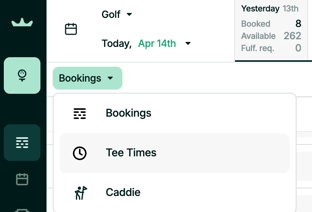
From the booking screen's Tee Time view, click “Add Block” 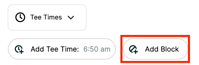
Fill out the information requested in the Add Block Window and click “Confirm”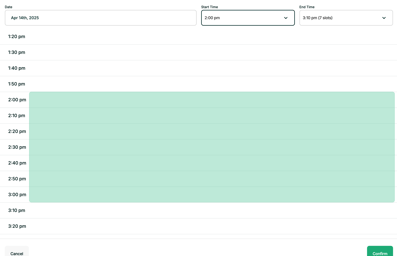
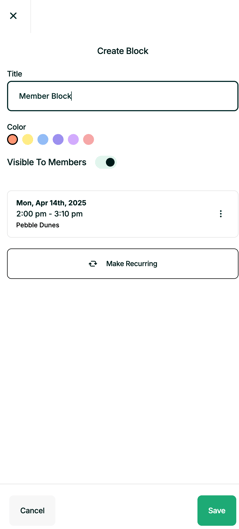
Fill out the remaining information and click "Save"